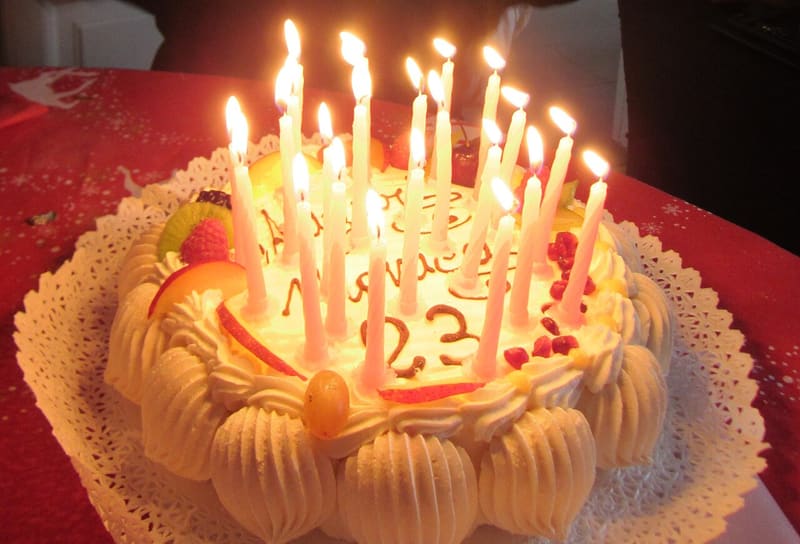
Events
Weddings, parties, graduations: every guest's photos, live, in one place.

On this day · October 22 1907 · United States
A run on the stock of the Knickerbocker Trust Company sets events in motion that will spark the Panic of 1907.
Read on Wikipedia →Photo: Bain News Service, publisher, Public domain · Wikimedia Commons
Parties, trips and ordinary days that become important: photos, videos and voices, with the people who were there. For you, for the people you invite, or for everyone.
Start saving your memoriesWeddings, parties, graduations: every guest's photos, live, in one place.
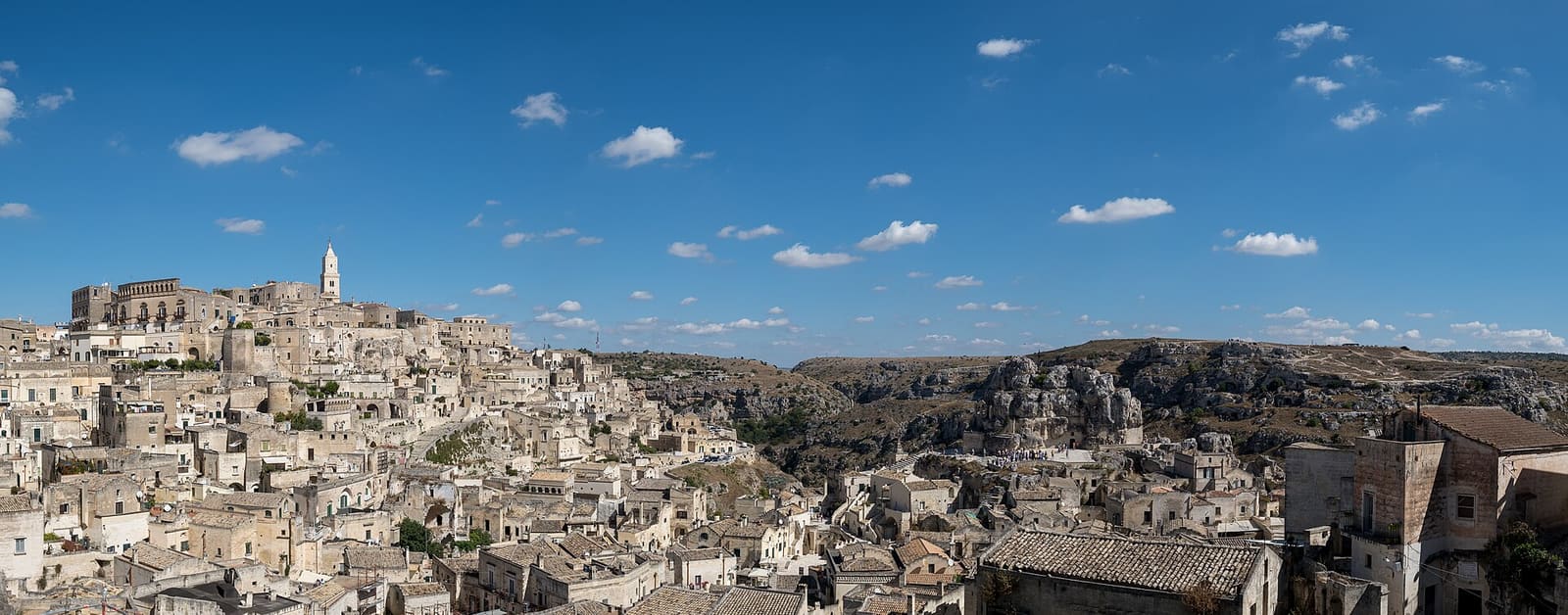
Stop after stop, every shot goes back on the map, where it was taken.
Ordinary days that become important: moments, notes and voices, just for you.
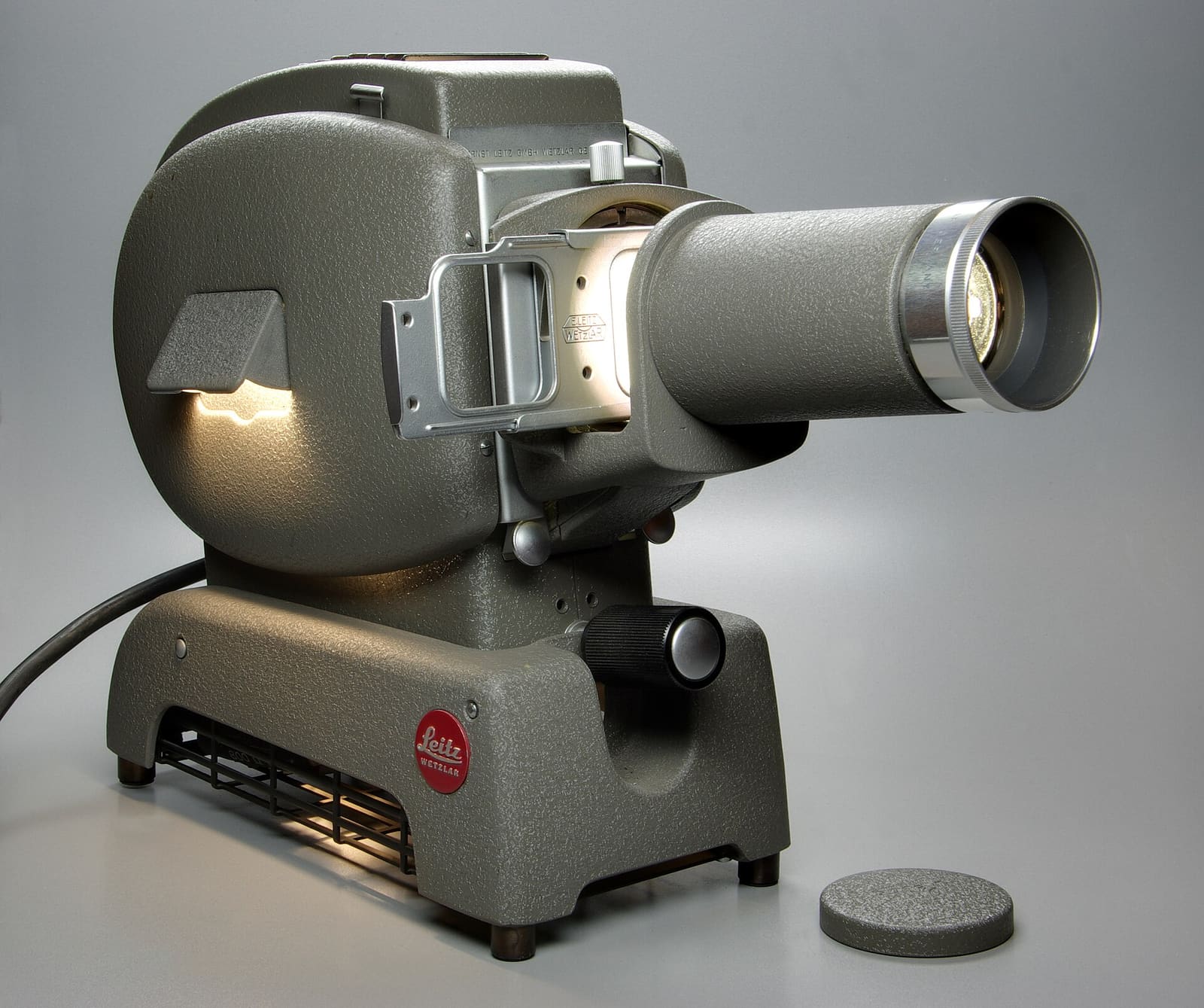
Stories that last for years: first steps, the new home, your favourite team.
For every collection of memories you choose who can look at it: just you, the people you invite, or everyone.
A private diary: photos, notes and voice notes nobody else can see.
Family, friends, party guests: they join with the link or QR code you send, and only they can see and add photos.
Whenever you like, a memory becomes a public page anyone can open and share.
An event or a trip, with a name, dates and a place. It takes a minute, and the trial is free.
Print it on the tables or send it in the group chat: guests open the link on their phone, no app to install.
Photos and videos arrive in real time, sorted by moment and place, in a space only your guests can see.
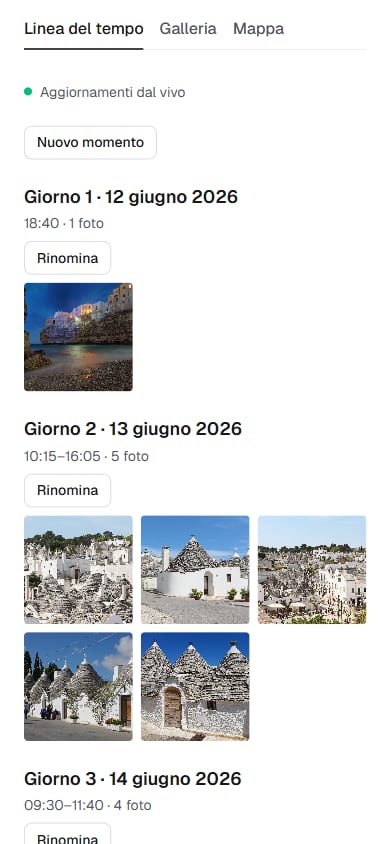
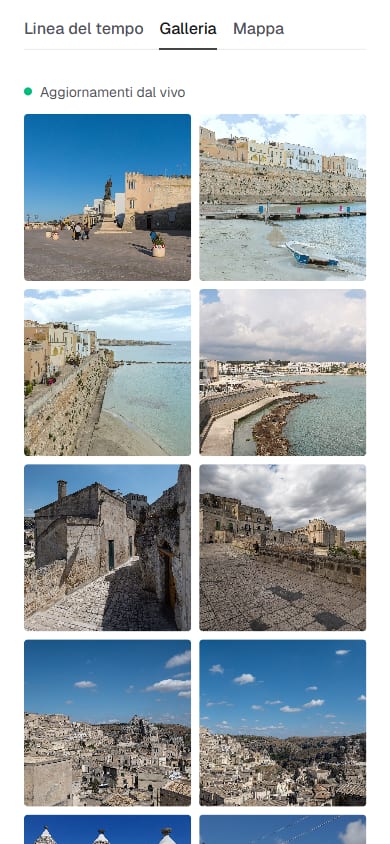
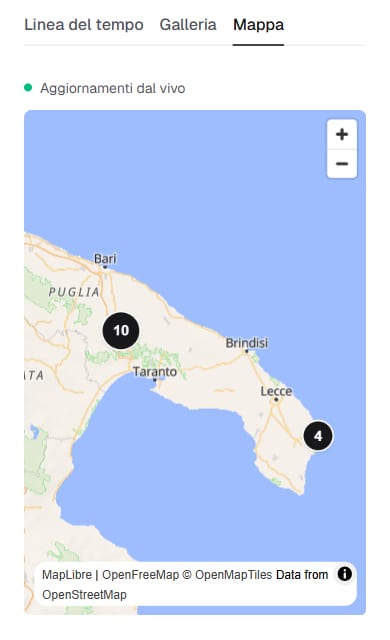
Real FeelEmotio screenshots, with a sample space: “Puglia in four days”.
A memory is also made of words and sounds.
A couple of lines under a photo, to remember who was there and what was said.
The voice of the toast, a laugh, a song: a recording is worth a thousand captions.
A few seconds' hello to whoever looks at that photo twenty years from now.
No subscription for events. Prices include VAT.
To stay online for another 12 months: €9.90.
Lifetime archive: all your spaces, year after year soon
No. They just open the link or scan the QR code with their camera: they can look right away, and to upload they sign up in one step with their email.
The app is the most convenient way: it opens with one tap from your Home Screen, keeps you signed in and, on Android, can also read where your photos were taken. The Android app is coming soon; meanwhile FeelEmotio works well in the browser on any phone or computer, and you can already add it to your Home Screen.
Yes. On iPhone, open FeelEmotio in Safari, tap the Share button (the square with an arrow pointing up), choose “Add to Home Screen” and confirm with “Add”. From then on it opens like an app; the first time, sign in with the 6-digit code we email you. On Android, in Chrome, open the ⋮ menu and choose “Add to Home screen” or “Install app”.
Photos are resized to 2560 pixels on the long side and videos to 720p before uploading: they still look great on screen and upload quickly even on a weak connection.
Only people with a link or an invitation. The organiser decides who can look and who can upload, and can revoke a link at any time.
We email you before the expiry date. You can extend for another 12 months; otherwise, after a 30-day grace period, everything is deleted.
Kaoz69 (CC BY-SA 3.0) · Jules Verne Times Two (CC BY-SA 4.0) · Jonathan Zander (Digon3) (CC BY-SA 3.0) · Berthold Werner (CC BY-SA 3.0) · Kreuzschnabel (CC BY-SA 3.0) · Crystal (CC BY 2.0) · Tom Reynolds (CC BY 2.0) · Moh tch (CC BY-SA 4.0) · Jason Briscoe (CC0) · Tom Graham (CC BY-SA 2.0) · Ken Thomas (Public domain) · Francesca Cesa Bianchi, Milano (CC BY-SA 3.0 it) · Tom Reynolds (CC BY 2.0)
Photos in the sample space: Calogero77 (CC BY-SA 4.0) · Bernard Gagnon (CC0) · Bernard Gagnon (CC0) · Bernard Gagnon (CC0) · Berthold Werner (CC BY-SA 3.0) · Sebring12Hrs (CC BY-SA 4.0) · Jules Verne Times Two (CC BY-SA 4.0) · Jules Verne Times Two (CC BY-SA 4.0) · Jules Verne Times Two (CC BY-SA 4.0) · Jules Verne Times Two (CC BY-SA 4.0) · Bernard Gagnon (CC0) · Benjamin Smith (CC BY-SA 4.0) · Benjamin Smith (CC BY-SA 4.0) · Benjamin Smith (CC BY-SA 4.0)
Map: OpenFreeMap, © OpenMapTiles, data © OpenStreetMap.